PaintShop Pro 2023 Problems: Common Bugs and Workarounds
PaintShop Pro 2023 can still be useful for many projects, but some bugs can interrupt your work at the worst possible moment. You might save

PaintShop Pro 2023 can still be useful for many projects, but some bugs can interrupt your work at the worst possible moment. You might save
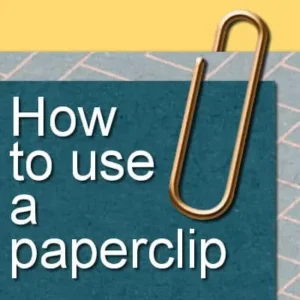
A digital paperclip doesn’t automatically look like it’s holding anything. If you simply place one on top of a stack of papers, the result can
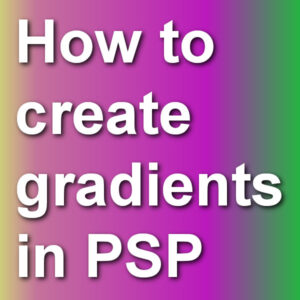
When using tools like the Fill tool or the Brush tool, PaintShop Pro users can access solid colors, gradients or patterns. Although many gradients are

Masks can be a great tool to create a different cut-out for photos or papers or to create a frame around elements we want to
A lot of resources made for Photoshop are also usable in PaintShop Pro. In fact, PSP can now import brushes in .abr format and has

Fonts come in a wide variety. Some will be pretty standard, while others will have unusual features. Let’s have a look at Layered Fonts, and

When working with PaintShop Pro, you are likely to use several layers, and sometimes, you want them perfectly aligned. What if you now need to
One fun command in PaintShop Pro is the Balls and Bubbles one. As its name implies, you can create balls (the opaque type) or bubbles

This tool is called “magic” because it is powerful, but those powers can be intimidating when you don’t understand all the intricacies of what can
Brushes are extremely powerful tools in PaintShop Pro. If you go online, there are a lot of resources that you can use to add brushes
When you want to capture what is on your screen for future reference or to help in troubleshooting. Taking screenshots with your PaintShop Pro is
Most tools in PaintShop Pro have a multitude of settings and depending on what you want to achieve, those settings will differ. However, you might
PaintShop Pro allows you to add text along a specific path, to create various effects. The path could be a simple circle, but it could
When drawing with a pen and paper, we always have access to a straight edge or a ruler to create those straight lines, or to
PaintShop Pro has a unique feature: picture tubes. I am not sure at which version they started using tubes, but I know for a fact