
Which files to export in PaintShop Pro?
PaintShop Pro includes several functions to export various files and content so they will be used inside specific tools of the program. This export command

PaintShop Pro includes several functions to export various files and content so they will be used inside specific tools of the program. This export command
If you are using PaintShop Pro, you know about the power of the various tools and commands that are native to the program. However, some
Among the various supplies that one can use with PaintShop Pro, overlays are not native or specific to the program. You will not find a
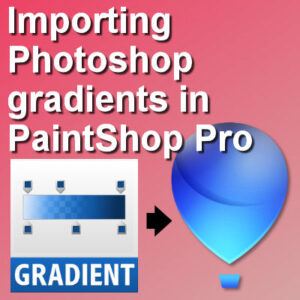
You might already know that PaintShop Pro allows its users to use or import several resources made for Photoshop. PaintShop Pro can open .psd files,

Users have asked for the text-wrapping feature for many years and finally, in version X7, Corel added it to the program. This long-awaited feature was
When working with text in PaintShop Pro, you are likely to need to go back to it, to edit the spelling, to add more text,
Typically, you might not want to install every single “cool” font you find. In doing so they will be available in any other program, including
The Clone tool has been part of Paintshop Pro for many many versions (I remember using it with version 7) and it has various uses:

PaintShop Pro can help you “swap heads” if you have multiple pictures of the same group or individual. This is helpful if someone is making

In PaintShop Pro, you can place text along a vector path for some very creative effects. Did you know you can do that with picture

You might have some evening photos and you wish the lights were on to give a glow to the overall image. Maybe you took the
If you were to draw on paper, you would have the option to use a ruler to draw straight lines. That is not the case
The Flood Fill tool is one of those tools that you will be using on so many projects that it will become second nature. Although
Are you the kind of person who loves to collect fonts whenever something nice is available, just in case you might want to use it

If you like to have a finishing touch to your photos or projects, you might like to add a picture frame. Of course, you can